



WordPress is a free and open-source content management system (CMS) that allows users to develop and administer websites and blogs. It was originally created in 2003 as a blogging platform, but it has since expanded into a robust CMS capable of creating any type of website, including company websites, e-commerce sites, portfolios, and more.
WordPress is written in the PHP programming language and stores its content in a MySQL database. It is released under the GNU General Public License, which allows anybody to freely use, modify, and distribute it.
What are the benefits of using WordPress?
Here are some of the main benefits why you might consider using WordPress as your content management system:
1. Easy to use: WordPress is designed to be user-friendly, even for those without web development experience. The platform comes with a straightforward interface that makes it easy to create and manage your website.
2. Highly customizable: WordPress offers a vast array of themes and plugins that allow you to customize your website’s design and functionality to your specific needs. Whether you’re building a blog, e-commerce site, or portfolio, there’s a theme or plugin out there that can help.
3. SEO-friendly: WordPress is designed to be search engine optimization (SEO) friendly. The platform uses clean, optimized code and offers a range of plugins that can help you improve your site’s SEO and rank higher in search results.
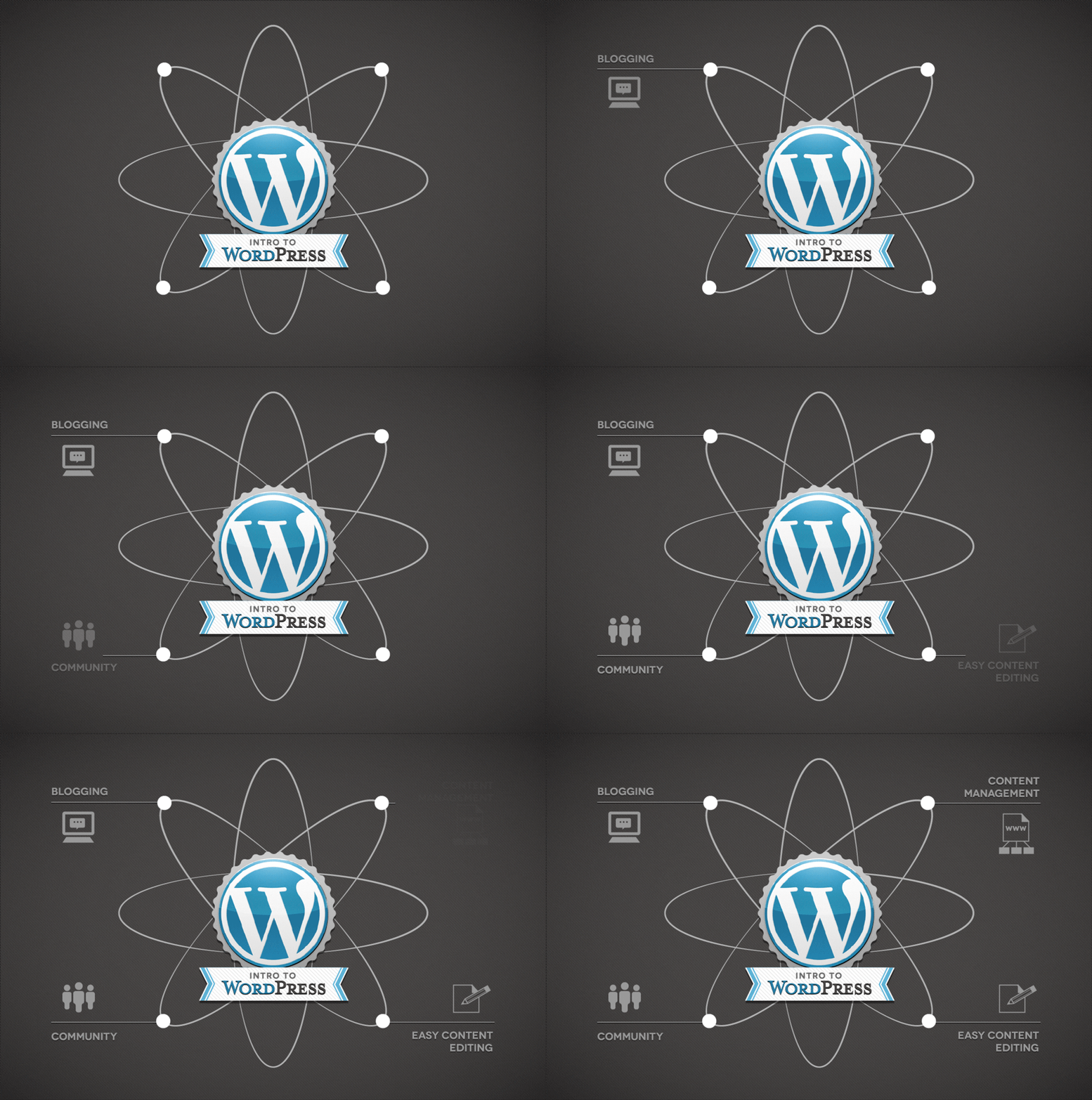
4. Large and supportive community: WordPress has a massive and active community of developers, designers, and users who create resources, provide support, and offer tips and advice on using the platform.
5. Security: WordPress takes security seriously and regularly updates its core software to fix vulnerabilities and bugs. Additionally, there are many security plugins available that can help you secure your website and protect it from attacks.
6. Mobile-responsive: WordPress themes are often designed to be mobile-responsive, meaning they adjust to fit any screen size or device, from desktop to tablet to smartphone.
What Do You Need to Get Started with WordPress?
To start a WordPress site, you’ll need a few things:
o A domain name:This is the address of your website, such as www.example.com.
o Web hosting: This is where your website’s files are stored and served to visitors.
o A WordPress installation: This is the software that powers your website.
How to Install WordPress:
Many web hosting providers offer one-click WordPress installation, making it easy to get started with WordPress. Once you have signed up for hosting, you can typically install WordPress by navigating to your hosting control panel and clicking a button.
If your web host does not offer one-click installation, you can download WordPress from the official website and install it manually.
WordPress: How to Use it
A domain name and a web hosting account are required to utilize WordPress. Many web servers now provide one-click WordPress installation, making it simple to get started with WordPress.
After installing WordPress, you can access the admin dashboard, where you may build and manage pages, posts, menus, and other features. You may also add themes and plugins to alter the look and functionality of your site.
WordPress also includes a built-in editor for creating and editing content. Text, images, videos, and other media may be added to your pages and posts, and your content can be formatted using a basic WYSIWYG editor.
- WordPress ThemesThemes are pre-designed templates that you can use to customize the appearance of your website. There are thousands of free and premium themes available for WordPress, making it easy to find one that matches your needs and goals.
- WordPress PluginsPlugins are small pieces of software that add functionality to your website. There are thousands of free and premium plugins available for WordPress, allowing you to add features such as contact forms, e-commerce functionality, and social media integration.
- WordPress WidgetsWidgets are small elements that you can add to your website’s sidebar, footer, or other areas. They allow you to add functionality such as social media icons, recent posts, or a search bar to your website.
- Creating Content in WordPressTo create content in WordPress, you can use the built-in editor. It is user-friendly and straightforward, allowing you to add text, images, videos, and other media to your pages and posts.
- WordPress SettingsWordPress has a range of settings that you can configure to optimize your website’s performance and appearance. You can adjust settings such as site title and tagline, permalink structure, and more.
- WordPress MaintenanceTo keep your WordPress site running smoothly, it’s important to perform regular maintenance tasks. This includes updating WordPress and your plugins, backing up your site, and monitoring your site for security vulnerabilities.
- WordPress SecurityWordPress is designed to be secure, but there are steps you can take to further enhance your site’s security. This includes using strong passwords, installing security plugins, and keeping your site updated.
Conclusion:
Eventually, Satelius has vast expertise utilizing WordPress to design and administer websites tailored to the specific needs and goals of organizations and people. From installation and customization to maintenance and security, our team of specialists can assist you. With thousands of themes and plugins at our disposal, we can assist you in developing a website that is both user-friendly and visually beautiful. Please Contact Us if you require assistance with WordPress. We are ready to provide our services and assist you in creating a website that stands out from the crowd.
Comments are closed